Blooket ID: Find Your Game ID and Username in Seconds
Your teacher just said “enter the code,” and now you need to find your Blooket ID fast. It takes only seconds once you know where to look. A Blooket ID is either the 7-digit Game ID your teacher shows on the screen, or the username on your own Blooket account. This guide explains both, so you can join your game without stress.
Many students get confused because the same two words can mean two different things: a short number for joining a live game, or the name you picked when you made your account. This guide from Techsslaash clears up the difference, shows you where each one lives, and warns you about fake finder sites.
What Is a Blooket ID?
A Blooket ID can mean two things. The first is the Game ID, a 7-digit number a teacher gets when they host a live game. Students type it at play.blooket.com to join. The second is your account username, the name you chose at sign up, which you use to sign in.
Think of it like this. The Game ID is a door code for one game only: it works while the game is live, then stops. Your username is your name badge: it stays the same and lets you sign in again and again. Joining a live game? You need the Game ID. Signing in? You need your username.
The Blooket Game ID: A 7-Digit Number for Live Games
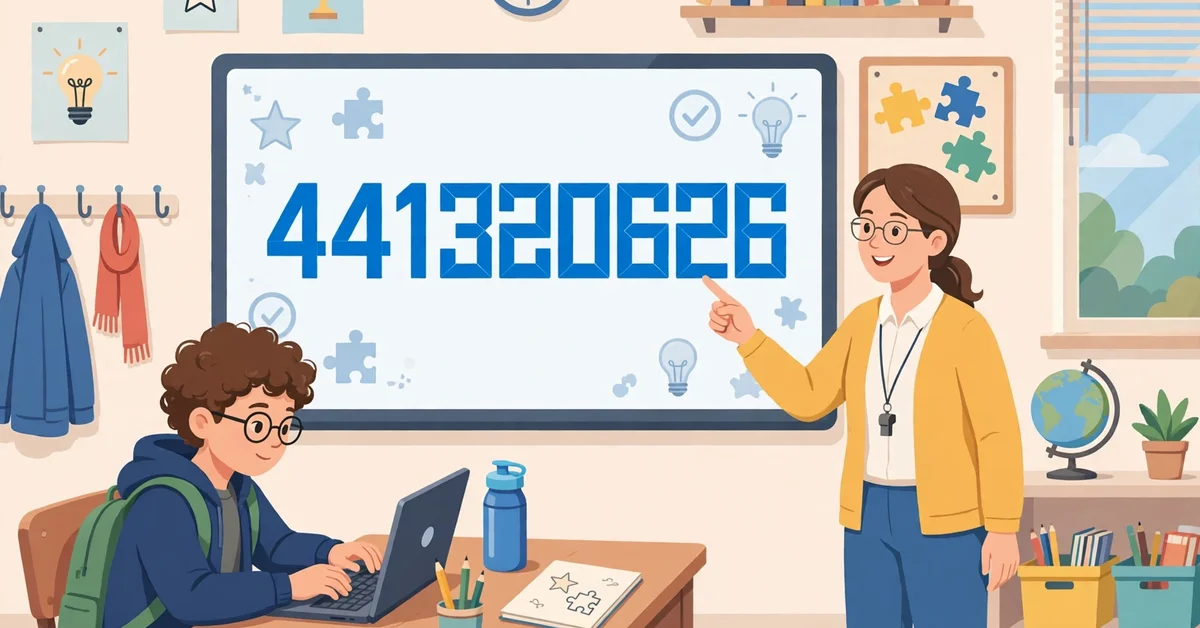
The Blooket Game ID is a 7-digit number, with numbers only and no letters or spaces. When a teacher hosts a live game, Blooket shows it on the host screen in big digits. The teacher reads it out, writes it on the board, or shares a QR code or a Join Link. Every student uses the same number to join the same game.
This code works only while the game is live. When the teacher ends the game, it stops working. Each new game gets a fresh number, so a code from last week will not work. Some students call it a Blooket game code, and it means the same thing.
Students need no account to join with a Game ID. Go to the join page, type the 7 digits, pick a nickname, and pick a Blook. The nickname is only for that game, and nothing is saved unless you sign in first.
Where Teachers Find the Game ID
Teachers can find the Game ID in seconds. Open the dashboard, pick a question set, click Host, and choose a game mode such as Gold Quest. Blooket opens the host screen, and the 7-digit Game ID appears at the top.
Check one setting first. Allow Late Joining decides if students can still join after the game has started. If it is off, a late student cannot get in.
How to Use Your Blooket ID to Join a Game
Joining a game takes less than a minute. Follow these steps.
- Go to play.blooket.com, the official join page. It works in any browser on a computer, Chromebook, tablet, or phone.
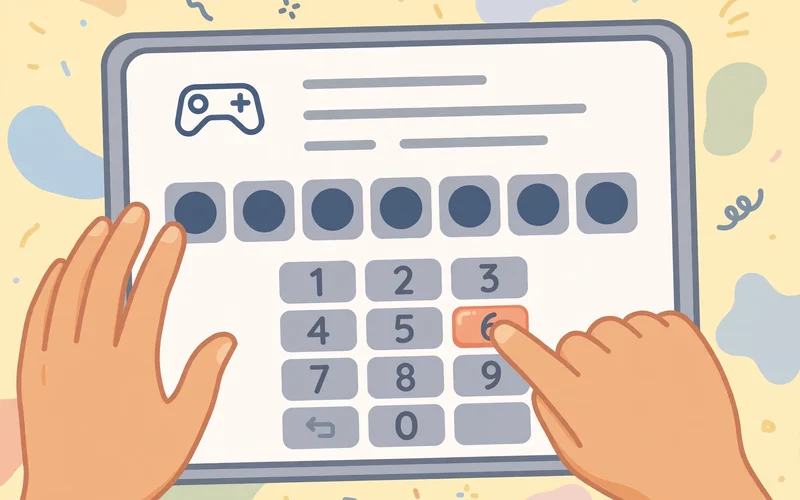
- Type the 7-digit Game ID in the box. Check each digit, because one wrong digit gives an error.
- Click the arrow or press Enter. Blooket checks the code and opens the nickname screen.
- Type a nickname, then pick a Blook, your game character.
- Wait on the lobby screen until your teacher starts the game.
If your teacher shared a QR code, point your camera at it to open the join page with the code filled in. A Join Link does the same when you click it.
Your Blooket ID Does Not Work? 7 Quick Fixes
A code that does not work is annoying, but the fix is often simple. Work through this list.
- Check every digit. A Game ID has 7 numbers and no letters. Type it slowly. A 6 can look like a 0 on some screens.
- Ask the host to read it out loud, digit by digit.
- Use the QR code or Join Link. These fill in the code for you, so typing errors go away.
- Check that the game is still live. If the teacher ended it, ask for the fresh code.
- Ask about late joining. If the game already started, you can join only if the host turned on Allow Late Joining.
- Check if the game is full. A free game allows up to 60 players, or 300 with Blooket Plus.
- Refresh the page. A slow connection can freeze the join page. Refresh it and type the code once more.
If none of these steps work, tell your teacher. The teacher can check the lobby list or restart the game with a new code. Do not search the internet for another code: the only one that works is the one your teacher shows you.
Your Blooket ID as a Username: Find It in Settings
The second meaning of a Blooket ID is your account username. You chose it at sign up, and you use this Blooket login ID to sign in at id.blooket.com/login with your password or Google account. Your nickname changes each game, but your username stays the same.
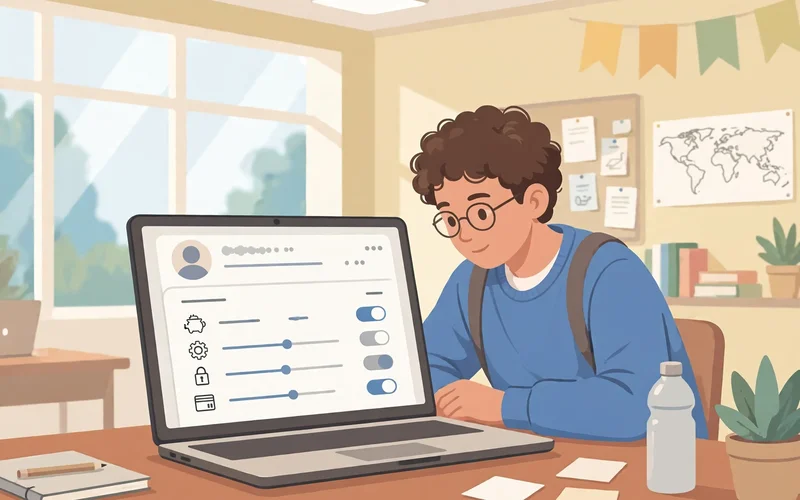
Want to find Blooket username details? Sign in first, then click your username or profile icon and open Settings. Your username appears near the top of the page. Write it down exactly as you see it, because usernames are case sensitive. If your username is “Alex123” and you type “alex123,” the sign-in will fail.
If you forgot your username, sign in with the email you signed up with instead, using your password or Google. Once you are in, open Settings and your username is right there. Forgot your password too? Click Forgot Password on the login page and follow the link in your email.
Blooket ID vs Username vs Nickname: The Simple Difference
These three words sound alike, but they do three different jobs. Here is the simple way to keep them straight.
- Game ID: a 7-digit number for one live game only. Your teacher gives it to you, you type it at play.blooket.com, and it stops working when the game ends.
- Username: the saved name on your Blooket account. You picked it at sign up, you use it to sign in, and it never changes unless you change it in Settings.
- Nickname: the display name you type when you join a game. You can pick a new one for every game, and it does not need to match your username.
Here is an example. Sara has the username “SaraPlays.” Her teacher shares the code 4839201. Sara types it, then picks the nickname “StarSara” for that game. The code gets her in, the nickname is what classmates see, and the username is what she uses to sign in later.
Knowing the difference helps when something goes wrong. If the join page says the code is wrong, the problem is the Game ID. If the login page says your name is wrong, the problem is your username or your sign-in method.
Beware of Blooket ID Finder Sites
Some websites and videos promise a Blooket ID finder tool. They claim they can find any live Game ID or give you free tokens. The truth is simple: there is no official finder tool, and these sites are not real.
Blooket does not publish live Game IDs anywhere. The only real code is the one your own teacher shows you. A site that claims to list live codes is showing old codes that no longer work, or it is trying to trick you. Some ask you to download a file or enter your password. Those steps can install malware or steal your account.
Stay safe with these rules. Never type your Blooket password anywhere except the official Blooket site. Never download a finder app or file from a site you do not know. Never pay for a Game ID, because real Game IDs are always free from your teacher. If a site promises free tokens for your login, close it at once. For real help, use the official Blooket website or ask your teacher.
Homework Games: No Game ID Needed
Not every Blooket game uses a Game ID. When a teacher sets homework, there is no live code to type. The teacher shares a homework link or a QR code instead. Click the link or scan the code to play at your own pace.
Homework games have a deadline, so check the due date your teacher gave you. You can often play more than once to improve your score, and your results go to your teacher. If the link does not open, ask your teacher to share it again.
Frequently Asked Questions
What is my Blooket ID?
It depends on what you need. For a live game, it is the 7-digit Game ID your teacher shows on the host screen. For signing in, your Blooket ID is your username, which you can see in Settings after you sign in.
How do I find a Blooket Game ID?
You cannot find a Game ID on your own. Only the teacher or host can see it, on the host screen after they start a game. Ask your teacher for the code, or scan the QR code they share.
Is there a Blooket ID finder that really works?
No. There is no official finder, and sites that promise one are not real. They may show old codes, or try to steal your account details or install malware. The only real Game ID comes from your own teacher.
Can I join a Blooket game without an ID?
You need a Game ID for a live game, but you do not need an account. Go to play.blooket.com, type the 7-digit code, pick a nickname, and join as a guest. For homework, use the homework link or QR code instead.
Why does my Blooket ID say invalid?
The most common causes are a wrong digit, an old code from a finished game, or a game that started without late joining turned on. Check each digit, or use the QR code or Join Link. If the game is full, at 60 players free or 300 with Blooket Plus, wait for a new game.
Now you know both meanings of a Blooket ID and where to find each one. Use the 7-digit Game ID to join live games, and use your username in Settings to sign in. Keep your login safe, skip the fake finder sites, and enjoy the game. If this guide helped, share it with a classmate, and read our Blooket Join Game guide and our Play Blooket guide for more simple steps.