Play Blooket Free: Join Games in 30 Seconds (2026 Guide)
Play Blooket is easy, and it takes less than a minute to start. Blooket turns quiz questions into fun games, so revision feels like play instead of work. A teacher hosts a game, students join with a short code, and everyone answers questions to win. You can also play Blooket on your own, or finish homework your teacher assigned. This guide shows you every way to play, on any device, for free.
You do not need to download anything, and you do not even need an account to join a live game. All you need is a browser and a game code from your teacher. This guide from Techsslaash walks you through each way to play Blooket, the best game modes to try first, and the tips that help you win.
What Is Blooket?
Blooket is a free, browser-based learning game platform for classrooms. A teacher picks or builds a set of questions, chooses a game mode, and students answer the questions inside the game. Each correct answer earns points, gold, or other rewards, depending on the mode. The platform works for early elementary students up to high school and beyond, and teachers use it for maths, English, science, history and almost any subject.
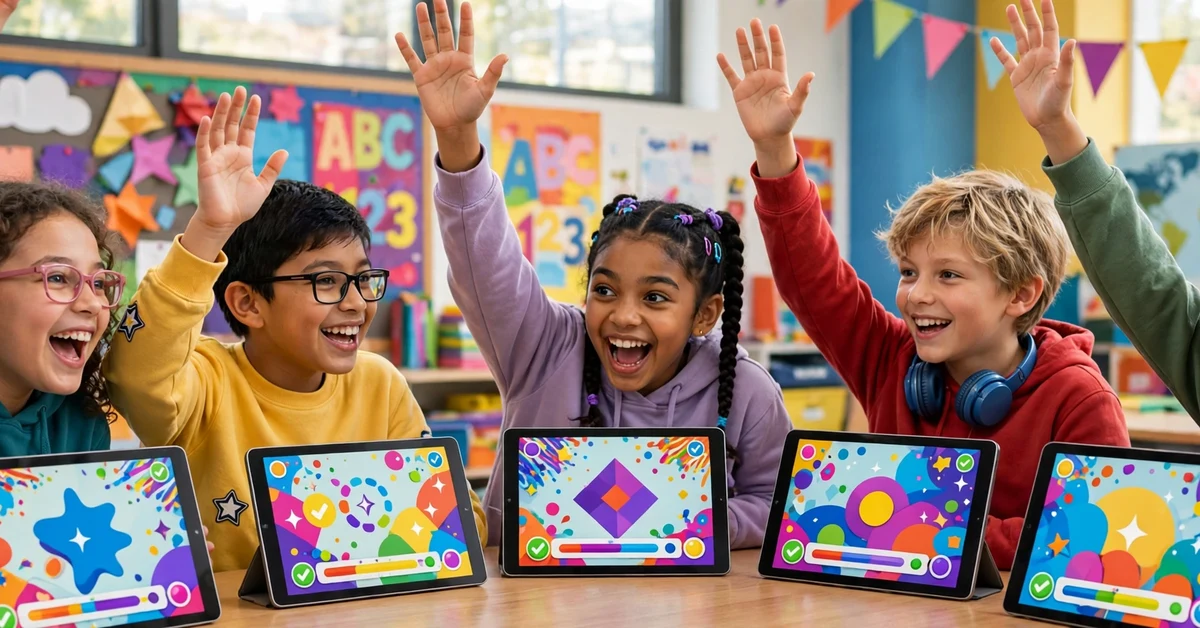
When you play Blooket, you are not just answering questions. You are racing, collecting, defending a tower, or running a cafe, all while you revise. That mix of learning and play is why millions of classrooms use Blooket every week. Games are short, rules are simple, and the leaderboard keeps everyone engaged.
3 Ways to Play Blooket
There are three main ways to play Blooket, and each one suits a different moment.
- Join a live game: your teacher hosts a game in class, and you join with a code at play.blooket.com. Everyone plays at the same time, and the leaderboard updates live.
- Play solo: sign in to your own account and play a game mode by yourself. Solo play is great for practice, and you can repeat a set until you know it well.
- Do homework: your teacher assigns a game with a due date. You open the link, play at your own pace, and your results go to your teacher.
Live games need a host and a code. Solo play and homework need a free student account, because your progress has to be saved to your account. All three ways are free, and all three use the same question sets and game modes.
How to Play Blooket With a Game Code
Joining a live game is the most common way to play Blooket. It takes about 30 seconds from code to lobby.
- Open your browser and go to play.blooket.com, the official Blooket join page.
- Type the 7-digit Game ID your teacher shows on the screen. The code is numbers only, and it works only while the game is live.
- Enter a nickname, or use the one Blooket makes for you. If your teacher asks for real names, use your real name.
- Pick a Blook, the little character that stands for you in the game, and wait in the lobby until your teacher starts.
- Answer each question as fast as you can. Correct answers earn rewards, and the leaderboard shows who is winning.
You can also join by scanning the QR code your teacher shows, or by clicking a join link. All three ways lead to the same lobby. If the code does not work, check your 7 digits, and ask your teacher if the game is still open, because codes expire when the host ends the game.
Play Blooket Solo: Practice on Your Own
Solo play is the best way to revise on your own. Sign in to your Blooket account, open the dashboard, and pick a set to play. You can play a set your teacher made, or find one in Discover, the public library of teacher-made sets. Choose a game mode, and the game starts right away.
Solo play is perfect before a test. Play the same set a few times in different modes, and the questions will stick. Tower Defense and Gold Quest are popular for solo practice, because they are fun even without other players. Your tokens and stats from solo games are saved to your account, so your practice also grows your Blook collection.
If you do not have an account yet, create one for free at blooket.com. You must be at least 13 years old in the United States, or at least 16 in most other countries. Younger students can still join live games as guests with a code, but they need a parent or guardian to help them create an account.

Best Blooket Game Modes to Try First
Blooket has more than 25 game modes, and each one wraps the same questions in a different game. Here are the best ones to try.
- Gold Quest: answer questions to open chests. Some chests hold gold, and some hold tricks that take it away. Fast and fun, and a class favourite.
- Tower Defense: answer questions to build towers that stop enemies. Great for solo play, and it rewards steady, correct answers.
- Cafe: run a cafe by serving customers the right answers. A calm mode that suits younger players and quiet practice.
- Battle Royale: players face off in pairs, and the winner moves on. The last player standing wins, so every question matters.
- Crypto Hack: answer questions to earn crypto, then hack other players to steal theirs. A fun mode for older students.
- Racing: answer fast to move your racer forward. Simple, quick, and perfect for a short revision round.
- Factory: build a factory by answering questions, then earn tokens from your machines. A good mode for longer lessons.
Most modes are free, and a few extra modes come with Blooket Plus. Start with Gold Quest and Tower Defense, then try a new mode each week until you find your favourite. Teachers can also pick the mode that fits the lesson, so a quiet class may suit Cafe while a loud class loves Battle Royale.
Play Blooket on Chromebook, Phone and Tablet
Blooket runs fully in the browser, so there is no app to download. That means you can play Blooket on almost any device you already own.
- Chromebook: open Chrome and go to play.blooket.com. Chromebooks are the most common Blooket device in schools, and the game runs smoothly on them.
- Phone: open Chrome or Safari and go to play.blooket.com. The join page and the games both work on small screens, so you can play from anywhere.
- Tablet: open your browser and join the same way. Tablets give you a bigger screen than a phone, which helps in fast modes like Racing.
- Windows and Mac: use an up-to-date Chrome, Edge, Firefox or Safari browser for the smoothest game.
For the best experience, use a stable internet connection and close extra tabs before a live game. A slow connection can delay your answers, and in a timed game, every second counts. If the game lags, refresh the page and rejoin with the same code while the lobby is still open.
Is Blooket Free? Free vs Blooket Plus
Yes, Blooket is free to play. The free Starter plan lets teachers create unlimited question sets, host live games with up to 60 players, and assign homework. Students can join games, play solo and collect Blooks without paying anything. For most classrooms, the free plan covers everything.
Blooket Plus is an optional paid upgrade for teachers. It raises the player limit to 300 in most modes, adds deeper reports and a few extra game modes, and extends homework deadlines. Prices can change, so check the official Blooket site. Students never need to pay to play.
Watch out for sites that ask you to pay for a game code or promise free tokens. Codes are free from your host, tokens are earned only by playing, and you should never type your Blooket password into a site that is not blooket.com.
7 Tips to Win When You Play Blooket
Winning at Blooket takes knowledge and game sense. These tips help with both.
- Learn the set first. Play the set once in solo mode before a live game, so the answers are fresh in your mind.
- Answer fast, but stay calm. Speed matters in most modes, but a wrong answer costs more than a slow one.
- Know your mode. In Gold Quest, save your swaps for the end. In Tower Defense, build early and upgrade often.
- Watch the leaderboard. If you are close to the top, play safe. If you are behind, take a risk on a big reward.
- Use your Blooks wisely. Some modes give bonuses for certain Blooks, so check what your Blook does before the game starts.
- Play Blooket with friends. Friendly games after class are the best practice, and they make revision fun.
- Keep playing. The more sets you play, the more questions you remember, and the faster you get.
Frequently Asked Questions
Do I need an account to play Blooket?
No, not for a live game. Go to play.blooket.com, enter the game code, pick a nickname and play as a guest. But you need a free account to play solo, do homework, keep tokens and save your Blooks.
Is Blooket free to play?
Yes. Joining games, playing solo and doing homework are all free. Blooket Plus is an optional paid upgrade for teachers that adds larger games and deeper reports, but students never need to pay.
Can I play Blooket on my phone?
Yes. Blooket works in any modern mobile browser, so open Chrome or Safari, go to play.blooket.com, enter the code and play. There is no app to install.
Can I play Blooket without a game code?
Yes, if you have an account. Sign in and play solo, or open a homework assignment from your teacher. A code is only needed to join a live game hosted by someone else.
How many players can play Blooket at once?
A free game supports up to 60 players, and Blooket Plus raises that to 300 players in most modes. Racing and team modes stay at 60 players even with Plus.
To play Blooket, open play.blooket.com, enter a code, and answer your way to the top. Try solo play to revise, try homework to learn at your own pace, and try a new game mode each week. To set up your account first, read our Blooket Login Guide, and learn the dashboard in our Blooket Dashboard Guide. For more simple tech guides, browse our How To section and the official Blooket Help Center.