Blooket Math Games: 7 Best Modes to Learn Maths Fast
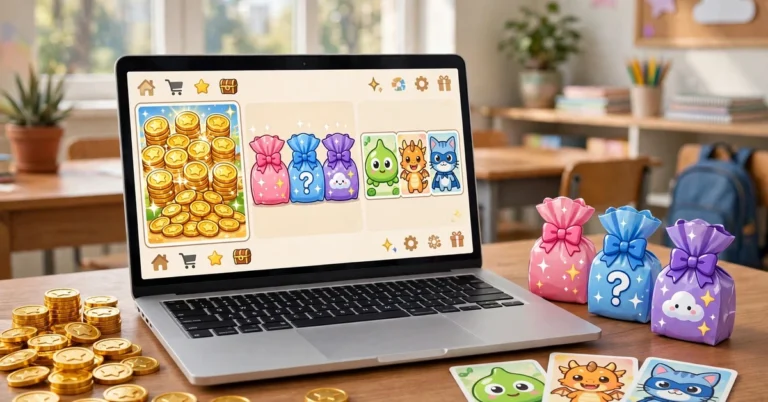
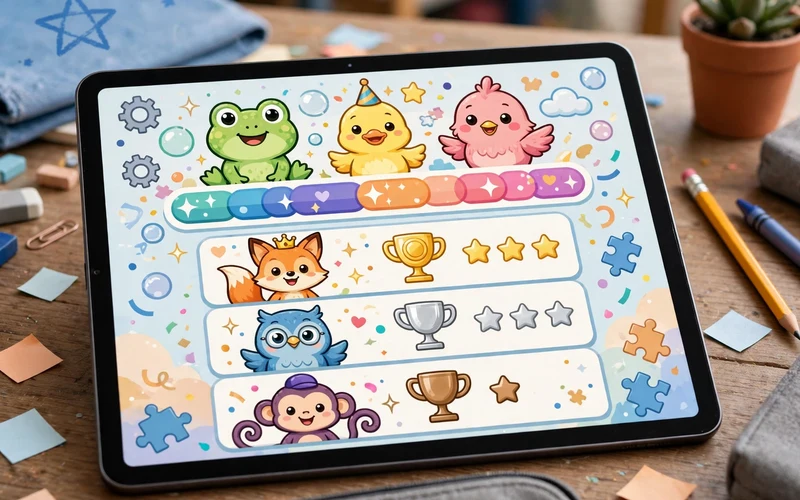
Blooket math is the fun way to practise maths. Instead of a plain worksheet, students answer maths questions inside a game. They race cars, hunt for gold, defend towers and collect cartoon characters called Blooks, and every correct answer moves them forward. With Blooket math, a times tables drill feels like play, not homework.
Teachers use it for quick warm-ups, full class reviews and homework. Parents use it at home to help children who find maths boring or hard. In this guide from Techsslaash, you will learn how Blooket works for maths, how to play in five simple steps, the seven best game modes for maths, and tips that make every game count.
What Is Blooket Math?
Blooket math is not a separate app. It is Blooket, the classroom game platform, used with maths question sets. A teacher picks a set of maths questions, chooses a game mode, and hosts a game. Students join with a code and answer questions to play. Questions can cover any maths topic, from addition to algebra, because the teacher writes the set or borrows one from the library.
Every game works the same way at its core. A question appears, the student picks an answer, and the game rewards a correct answer. A wrong answer costs time or points, but the student sees the right answer and tries again. That quick loop of try, check and retry is why math Blooket games work so well for practice. Students get many more questions in ten minutes of play than in ten minutes of silent worksheet time.
How to Play Blooket Math in 5 Simple Steps
Playing a maths game on Blooket takes only a few minutes to set up. Teachers host the game, and students join with a code. No app install is needed, because Blooket runs fully in the browser on any laptop, tablet or Chromebook. Follow these five steps.
- Go to the official Blooket website and create a free teacher account, or sign in if you already have one.
- Pick a question set. Click Create to write your own maths questions, or open Discover to search the public library for a ready-made maths set and copy it to your account.
- Click Host on the set and choose a game mode. Racing suits quick fact practice, while Tower Defense suits longer problems. Set a time limit if you want one.
- Share the game code with your students. They go to play.blooket.com, enter the code and pick a fun username. No account or login is needed to join.
- Start the game and watch the leaderboard. When the game ends, open History to see the report and find the questions most students missed.
The 7 Best Blooket Math Game Modes
Not every mode suits every maths skill. Fast modes suit facts students already know, while slower modes suit new or tricky topics. Here are the seven best game modes for maths, and when to use each one.
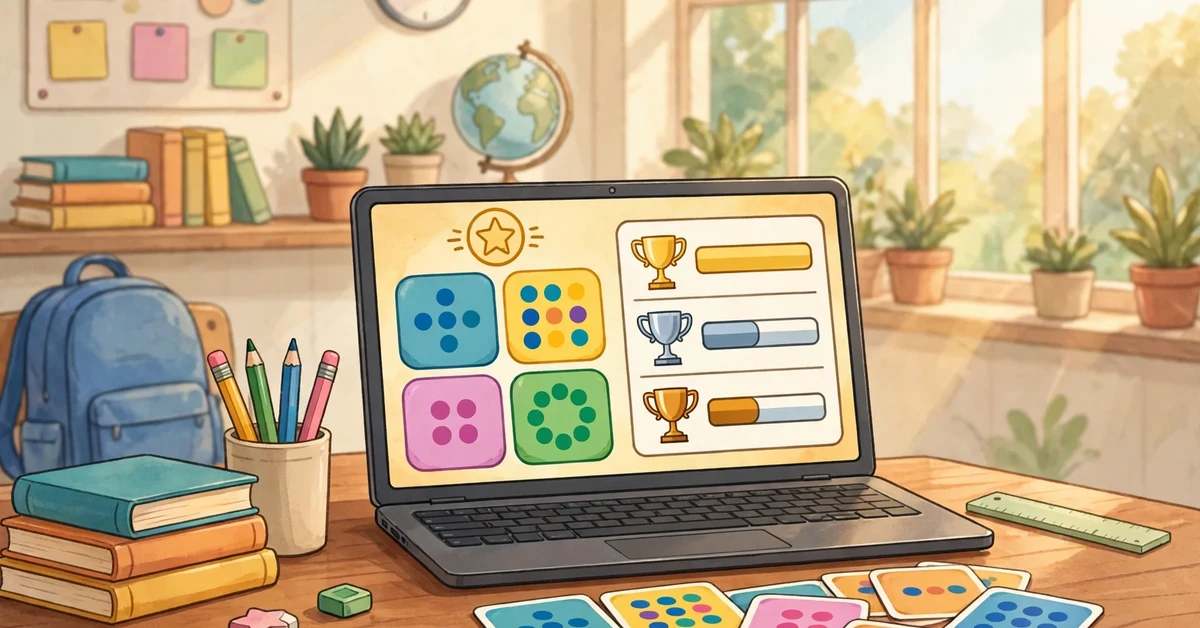
- Racing: the best mode for fact fluency. Students answer, move forward and repeat. Nothing else to figure out, so all attention stays on the maths. Use it for five or ten minutes at the start of class as a warm-up.
- Gold Quest: the best mode for review days. Correct answers earn a chest, and chests can give gold or let a player steal it. It is loud and full of surprises, so use it when students already know the topic.
- Tower Defense: the best mode for multi-step problems. After each answer, students spend coins on towers, and that short break gives them thinking time. Rushed algebra is usually wrong algebra, so this mode suits equations and word problems.
- Factory: a slow and steady mode. Students unlock Blooks that earn money over time, so it rewards calm, regular play. It suits longer lessons and homework, where speed does not matter.
- Match: a fast matching game. Students pair each question with its answer as quickly as they can. It is a strong pick for times tables and simple facts, and it works well in short bursts.
- Cafe: a relaxed mode where students serve food by answering questions and upgrade their cafe with the money they earn. It suits younger students and mixed-ability groups, because there is no harsh penalty for a slow answer.
- Battle Royale: a head-to-head mode where the slowest player drops out each round. It is exciting for confident students, but use it with care, because weaker students can feel left out early.
Blooket Math for Times Tables, Fractions and More
Blooket covers every maths topic a teacher can write questions for. The same game modes work across topics, but a few topics deserve special care. Here is how to match the topic to the game.
Times Tables
Times tables are the most popular Blooket maths topic, and speed modes are the best fit. Racing and Match turn recall practice into a race, and short daily games build automatic recall faster than long weekly drills. Keep the set small, with one table at a time, so students master it before moving on. A game of five minutes a day beats one long game a week.
Fractions
Fractions Blooket games work best in slower modes. Fractions need thinking time, so Tower Defense and Factory suit them better than Racing. A good fractions set mixes simple questions, like finding half of a number, with harder ones, like converting mixed numbers. The report after the game shows which fraction skills need more teaching.
Algebra, Geometry and Word Problems
For algebra and word problems, pick modes with thinking time built in. Tower Defense gives students a pause between questions, and Cafe keeps the pressure low. Keep the question text short and clear, because a long word problem on a small screen is hard to read. If a question needs working out, tell students to use scratch paper first and pick a mode that does not punish slow play.
How Teachers Use Blooket in Class
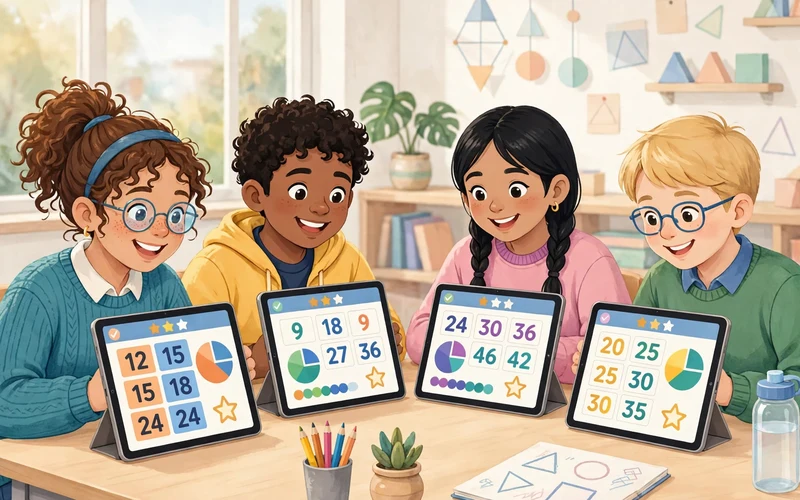
Teachers use Blooket in four main ways, and each one fits a different part of the lesson. Mix them across the week instead of repeating the same routine every day.
- Warm-ups: a five-minute Racing game at the start of class wakes students up and revises yesterday’s topic. It sets a fast, positive tone for the lesson.
- Review games: before a test, a Gold Quest or Battle Royale game revises the whole topic in one lively session. Students revise without realising they are revising.
- Homework: assign a game instead of a worksheet. Pick a set, click Assign, choose a mode and a due date, and share the link. Students play at their own pace, and their results appear in your reports.
- Reports: after every game, the History tab shows who played and which questions students got wrong. Use that report to plan the next lesson, and re-teach the questions most students missed.
If you are new to the platform, our Blooket Dashboard Guide explains every tab in simple steps. Once you know the dashboard, setting up a maths game takes less than a minute.
Tips to Get the Most From Every Game
A few small habits make maths games on Blooket far more useful. These tips come from how teachers actually use the platform in real classrooms.
- Match the mode to the skill. Use fast modes for facts students know, and slow modes for new or hard topics.
- Keep sets short. A set of 20 to 30 questions plays better than a set of 100, and students stay focused to the end.
- Mix easy and hard questions. A few easy questions build confidence, and a few hard ones stretch the strongest students.
- Play the same set twice. The second game is always stronger, because students remember the questions and focus on speed.
- Read the report after every game. The report tells you what to teach next, so never skip it.
- Let students make their own sets. Writing questions is a strong way to learn, and students take pride in a game their class plays.
- For more step-by-step help, browse our How To guides.
Is Blooket Free?
Yes, Blooket is free to start. A free teacher account gives you unlimited question sets and live games with up to 60 players, which covers most classrooms. Students join free with a game code, and they do not need an account at all.
Blooket Plus is an optional paid plan. It adds deeper reports, individual student results, spreadsheet downloads and bigger games of up to 300 players in most modes. Plus costs around 4.99 dollars a month on the annual plan, or around 9.99 dollars a month with no annual commitment. Prices can change, so check the official Blooket site first. Most teachers start free and upgrade only if they need deeper reports.
Frequently Asked Questions
What is Blooket math?
Blooket math is Blooket used with maths question sets. A teacher hosts a game, students join with a code, and they answer maths questions to play. It covers any maths topic, from addition and times tables to fractions and algebra.
Is Blooket math good for times tables?
Yes. Times tables are one of the best uses of Blooket. Short daily games in Racing or Match mode build fast recall, and students enjoy the race. Keep each set to one table at a time for the best results.
Can students play Blooket math at home?
Yes. Teachers can assign a game as homework, and students play it at their own pace from any browser. Parents can also play with their children by hosting a game from a free teacher account.
Does Blooket math have an app?
No, there is no official Blooket app to install. Blooket runs fully in the browser, so it works on laptops, tablets, Chromebooks and phones with nothing to download.
What age is Blooket math for?
Blooket suits a wide range of ages, from young children learning addition to older students studying algebra. The teacher picks the questions, so the same game modes work for any level. Blooket math games for kids are popular in primary school, and older students enjoy the same modes with harder sets.
Blooket math turns practice into play. Pick the right mode for the skill, keep your sets short, and read the report after every game. Start with a five-minute Racing game tomorrow, and see how fast the class warms to it. For more simple tech guides, visit Techsslaash, and read our Tech News section for the latest updates in education technology.