Blooket Pictures: 7 Places to Find Free Blook Images
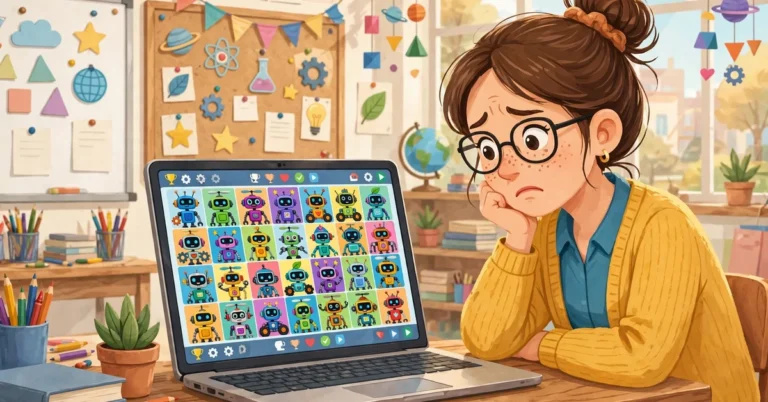
Blooket pictures are the cute square characters, wallpapers and clip art images from Blooket, the classroom quiz game that millions of teachers and students play. If you have ever wanted a picture of a Blook for a poster, a slide, a phone wallpaper or a coloring page, this guide shows you the best Blooket pictures on the web and exactly where to find them free.
You will learn where to find Blooket pictures, what clip art and wallpapers are, how teachers use these images in class, and the simple rules for using them the right way. In this guide from Techsslaash, every source is one you can open today, with no sign-up needed to look.
What Are Blooket Pictures?
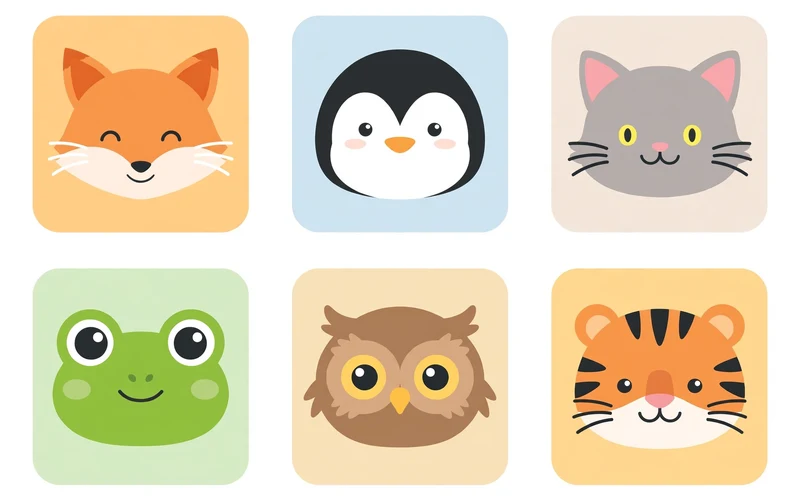
A Blook is the square cartoon character you play as in Blooket. Blooks have rounded edges and simple, friendly faces. Some are animals like a fox, a penguin or a cat. Some are food like a slice of pizza or a stack of pancakes. Some are rare creatures from myths, and a few are even humans. When people search for Blooket pictures, they usually want an image of one of these characters.
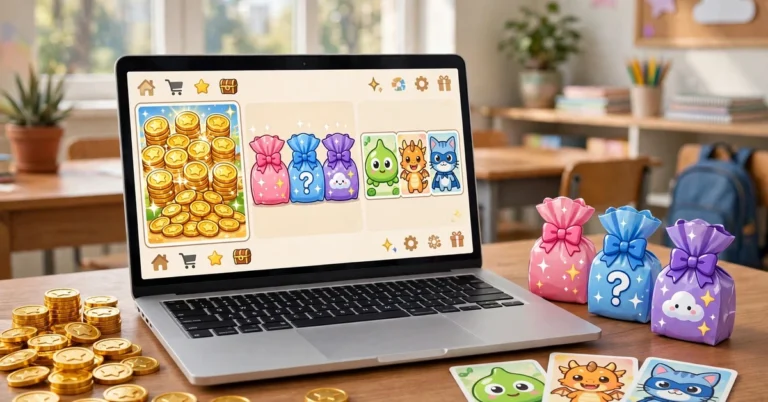
The Blooket Wiki lists 294 Blooks, and each one belongs to a pack and a rarity level. There are 8 rarity levels: Common, Uncommon, Rare, Epic, Legendary, Chroma, Unique and Mystical. Common Blooks like the Chick and the Cow are easy to find, while Mysticals go only to event winners. That is why Blooket pictures come in so many styles, from simple farm animals to glowing space creatures.
You can see your own Blooks in your Blooket dashboard, where your collection lives. But if you want a picture to print or share, you need a source outside the game. The next section lists the best ones.
Where to Find Blooket Pictures: 7 Best Sources
These are the best places to find Blooket pictures, from official art to free wallpapers and coloring pages. Start at the top and work down until you find the picture you need.
- The official Blooket site. Go to blooket.com for the real game art, the logo and the newest characters. The official site is the safest source, and the pictures there are always the true designs.
- The Blooket Wiki. The fan-run Blooket Wiki Blooks page shows pictures of every Blook, sorted by pack and rarity. It is the best place to find one exact character, like the Astronaut or the Wise Caterpillar.
- Wallpaper sites. Sites like wallpapers.com carry Blook images sized for phones and desktops, from single-character art to full grids of Blooks. Many are free to download in HD and 4K sizes.
- Coloring page sites. Several free sites offer printable Blooket coloring pages, with one collection listing 39 different characters to color. These are simple line drawings, perfect for younger students.
- Fan art sites. Artists on sites like DeviantArt draw their own Blook art and share it with the community. Fan art is often creative, but check what the artist says about reuse before you print it.
- Pinterest and image search. A search for “blooket pics” on Pinterest or Google Images shows thousands of pictures of Blooket in one place. This is great for ideas, but click through to the source before you use a picture.
- Blooket on social media. The official Blooket account on Instagram posts new pictures, event art and game updates. It is a good place to see the newest Blooket image styles as they come out.
Blooket Clip Art: What It Is and Where to Get It
Blooket clip art is the name for Blooket pictures made for documents and designs. Clip art is a simple image, often with a clear background, that you can drop into a slide, a worksheet or a poster. A Blooket picture with a clear background works best, because you can place it on any color without a white box around it.
You can find free Blook images with clear backgrounds on logo and clip art sites. Some sites offer the Blooket logo as a PNG file, which is useful for school projects and presentations. Always pick the highest quality version, so the picture stays sharp when printed big. If you cannot find the exact clip art you want, try “blooket picture PNG” or “blooket pics transparent” for different results.
Blooket Wallpapers for Phone and Desktop
Blooket pictures make great wallpapers because the characters are bright, simple and fun. A single Blook on a plain background works well on a phone lock screen, while a grid of many Blooks looks great on a desktop or a classroom screen.
Wallpaper sites list Blooket wallpapers in many sizes, from HD to 4K and even 8K. Pick the size that matches your screen: tall and narrow for a phone, wide for a desktop. To set one, save the picture and use the “Set as wallpaper” option in your settings. Some sites also let you crop first, so your favorite Blook sits in the center.
Blooket Coloring Pages for Kids
Coloring pages are printable Blook images with black outlines and white space to color in. They are a fun, screen-free way for younger students to enjoy Blooket characters. Teachers use them as a calm activity, a reward, or a warm-up before a game.
Free collections cover many popular characters, from the Arctic Fox to the Chick and the Dragon. Print a few pages and let each student pick a favorite. Many pages come as PDFs, which print cleanly. If a site asks you to pay or create an account, skip it and use a free collection.
How Teachers Use Blooket Pictures in Class
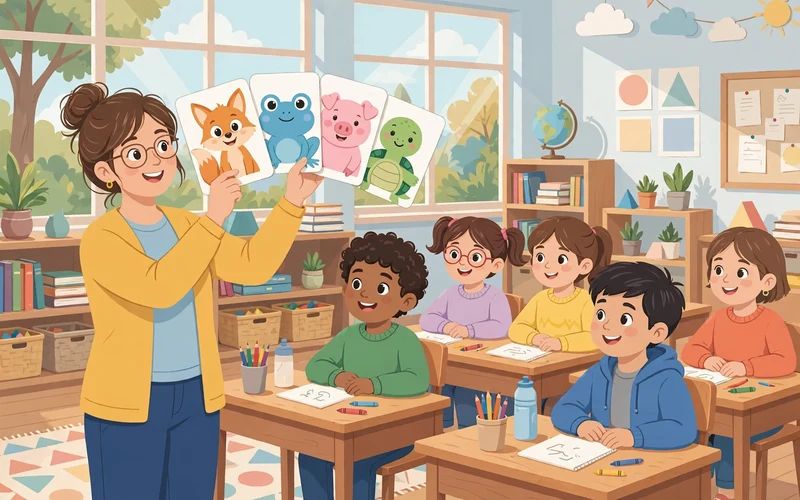
Teachers are the biggest fans of Blooket pictures. A Blook on a title slide tells the class a game is coming, and students get excited before the lesson starts. Here are the most popular classroom uses:
- Posters and displays: print large Blook images for a game corner or a leaderboard wall.
- Rewards: print small Blook images as stickers or tickets for good work and good behavior.
- Worksheets: add a Blook to the top of a worksheet to make it feel less like homework.
- Team badges: give each team a Blook picture as its mascot for the week.
- Certificates: put a Blook on a certificate for the winner of a class game.
Keep the pictures big, bright and simple. One clear Blook picture beats ten small ones crowded together, and students should see it at a glance, even from the back.
Can You Use Blooket Pictures? The Simple Rules
Blooket pictures are artwork owned by Blooket. That means you can enjoy them and use them in many ways, but you cannot claim them as your own or sell them. Here are the simple rules to follow.
- Personal use is fine: download Blook images for your phone wallpaper, your notes, or your class.
- Classroom use is fine: teachers can print Blook images for lessons, posters and rewards.
- Do not sell them: do not print Blook images on shirts or stickers to sell. That is commercial use and needs permission.
- Do not claim them: do not say you drew a Blook picture if you did not.
- Check fan art rules: fan art belongs to its artist. Read their rules before you use it, and give credit when you share it.
When in doubt, use these images for yourself or your class only, never for money. For a product or an ad, ask Blooket first.
How to Save a Blooket Picture in 4 Easy Steps
Follow these steps to save Blooket pictures to your device.
- Open the page with the picture you want, and tap or click the picture to open the full-size version.
- On a phone, press and hold the picture, then tap “Save image” or “Download image”. On a computer, right-click the picture and pick “Save image as”.
- Pick a folder you will remember, like a folder called “Blook images”, and save the file there.
- Check the file size. A good picture for printing should be at least 100 KB. A tiny file will look blurry when printed big.
Tips to Pick the Best Blooket Picture
These tips help you pick the best Blook images for any use, from a phone screen to a classroom poster.
- Go for clear and sharp: the best Blook images have clean lines and bright colors. Avoid blurry or stretched images.
- Match the size to the use: a small picture is fine for a phone icon, but a poster needs a large, high-quality file.
- Pick the right character: students have favorites. Ask your class which Blook they like best, then use that one.
- Keep it simple: one character on a plain background is easier to read than a busy scene with many characters.
- Save the source: note where each picture came from, so you can find it again later.
Frequently Asked Questions
Where can I find free Blooket pictures?
The best free sources are the official Blooket site, the Blooket Wiki, wallpaper sites, and free coloring page sites. All of them let you view and download Blook images without paying. Start with the Blooket Wiki for one exact character, and wallpaper sites for backgrounds.
Are Blooket pictures free to use?
Blook images are free to view and download, and you can use them for yourself or in your own classroom. But the artwork belongs to Blooket, so you cannot sell them or use them in products or ads. Fan art belongs to its artist, so check their rules too.
What is the best Blooket picture for a classroom poster?
A large, bright picture of one popular Blook works best, like the Chick, the Fox or the Dragon. Pick a high-quality file so it stays sharp when printed big. One clear character beats a crowded collage.
Can I use Blooket pictures on my phone wallpaper?
Yes. Download a tall Blooket picture that fits your phone screen, then set it as your wallpaper. Wallpaper sites offer Blook images in phone sizes, and a single Blook on a plain background looks best on a lock screen.
Where can I find Blooket coloring pages?
Free coloring page sites offer printable Blooket coloring pages, with collections covering many characters. The pages are simple black outlines, ready to print and color. Look for PDF files, which print cleanly.
Blooket pictures bring color and fun to any classroom, phone or project. Start with the official site and the Blooket Wiki, pick the characters you love, and use them the right way. For more simple tech guides, visit Techsslaash, and read our Tech News section for the latest updates in education technology.