Blooket Bots: What They Are, Risks & 7 Ways to Stop Them
Blooket bots are unofficial tools that pretend to be players in a Blooket game. They flood the lobby with fake names, answer questions on their own, or try to cheat the reward system. This guide explains what Blooket bots are, why they are risky, and 7 simple ways to stop them.
In this guide from Techsslaash, you will learn the four types of Blooket bots, the dangers behind free bot sites, how to spot a bot in a live game, and the steps that keep classroom games safe.
What Is a Blooket Bot?
A Blooket bot is software made by an outside developer, not by Blooket. It tries to do what a real player does: join a game, sit in the lobby, or answer questions. The key word is unofficial. Blooket never made or approved these tools, and a Blooket name on a download page does not make a tool safe or allowed.
Most Blooket bots come from third party websites, browser extensions, or scripts shared in chats and forums. Some are free pages where you paste a game code. Others ask you to install an extension or paste code into your browser.
The 4 Types of Blooket Bots
Not all Blooket bots do the same thing. They fall into four groups, and each one causes a different problem.
1. Flood Bots (Spam Bots)
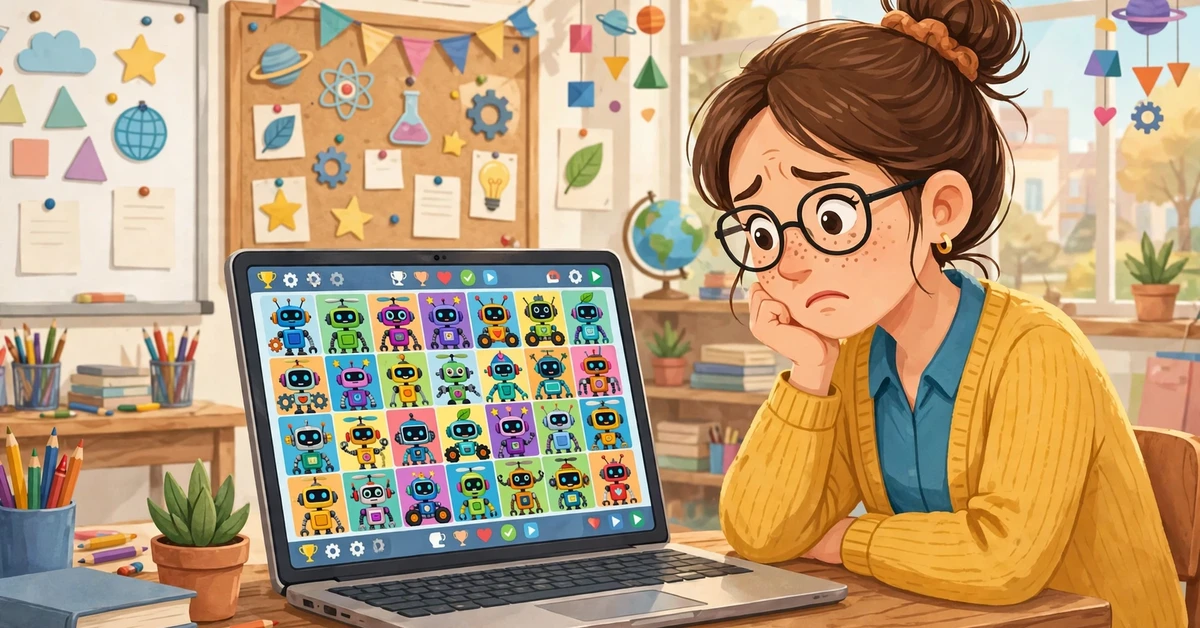
Blooket flood bots push dozens of fake players into a live game at once. A lobby built for 30 students can suddenly show 80 strange names, and the lesson stalls while the teacher clears the list. This is the most common type, also called Blooket bot spam.
2. Answer Bots
Answer bots submit quiz answers on their own, often at impossible speed. They can push a fake player to the top of the leaderboard and make the teacher’s assessment data useless, turning a quiz into a meaningless score.
3. Rejoin Bots
A rejoin bot jumps back into a game after the host kicks it out, forcing the teacher to remove the same fake player again and again. This type is rare, but it is the hardest to deal with in a live lesson.
4. Token and Unlock Bots
Token bots promise free coins, tokens, or rare Blooks without playing. Blooket stores tokens and Blook ownership on its own servers, so these tricks rarely work, and the accounts behind them can be banned.
How Do Blooket Bots Work?
Every Blooket game starts with a join code the teacher shares with the class. Students enter it at play.blooket.com and pick a name. Blooket bots abuse this simple system: a flood bot sends the same code many times at once, and each fake request looks like a new player joining the lobby.
Answer bots run as browser extensions or scripts that watch the quiz screen and submit answers for the player. Both kinds depend on the game code reaching people outside the class, which is why guarding the code is the first line of defence. This guide does not show how to build or run these tools, because using them breaks the platform rules.
Are Blooket Bots Real or Fake?
Both. Real automation scripts do exist, and teachers have seen flooded lobbies with their own eyes. But many tools advertised online are outdated, exaggerated, or fake. Blooket updates often, and a script that worked last year may do nothing today.
The loudest promises are the least trustworthy. Sites that offer Blooket bots unblocked, unlimited coins, or a bot that can never be detected are usually bait. They want clicks, downloads, or your login details. No outside website can promise that a bot works or that your account will not be banned.
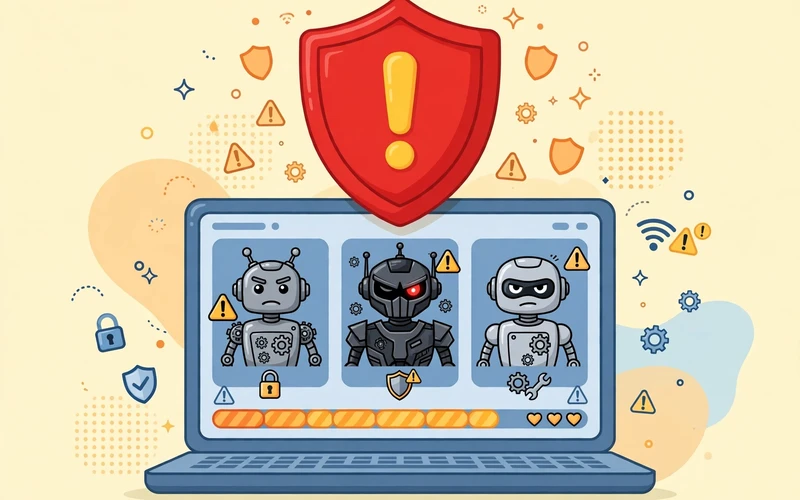
The Real Risks of Blooket Bots
Blooket bots look like a shortcut or a prank, but the damage is real.
1. Your Account Can Be Banned
Blooket’s Terms of Service ban unauthorised bots, cheats, and tools that automate gameplay. If the platform flags an account for botting, it can restrict or close it, and every Blook, token, and set on that account goes with it.
2. Malware, Phishing, and Scams
Many bot sites are traps. A free download can hide malware or adware, and a fake login page can steal a password. Students who wanted a quick win can end up infecting a school device or handing over their account details.
3. Learning Gets Broken
A quiz tells the teacher what the class understood. When Blooket bots answer questions or flood the lobby, the results mean nothing, and students lose the practice the game was meant to give them.
4. Lessons Lose Time and Trust
A flooded lobby can eat ten minutes of a lesson while the teacher removes fake names or restarts the game. Worse, it breaks trust: when students see cheating win, fair players stop trying.
How to Spot a Blooket Bot in Your Game
An odd username alone is not proof of a bot, so stay calm and check first. Look for these signs together:
- A rush of new players joins seconds after the code is shared, far more than your class size.
- Many names follow the same pattern, like random letters, numbers, or repeated words.
- A player answers every question correctly in less than a second, faster than anyone can read.
- The same name keeps coming back minutes after you remove it.
- Players sit in the lobby but never answer, or their scores jump in strange steps.
- The game lags or freezes right after a wave of unknown players joins.
If you see two or three of these signs at once, treat it as a bot attack and follow the steps in the next section.
7 Ways to Stop Blooket Bots
These seven steps use Blooket’s own host settings and simple classroom habits. They work best together, so use as many as you can.
- Guard the game code. Share it only with your class, in person or on a private class channel. Never post it on a public page, a shared screen, or social media. A code nobody outside the room knows cannot be flooded from outside.
- Set the game to private before you start. Blooket lets the host control who can join, and a private game keeps random visitors out.
- Lock the lobby once everyone is in. When your full class has joined, turn off late joining so no new players can slip in after the game starts.
- Turn on Name Approval. Every display name waits for your approval before it appears, so fake or rude names never reach the lobby.
- Use random names. Blooket can give each player a random name for the game, which makes it harder for a Blooket bot flooder to target the lobby.
- Kick unwanted players fast. If a strange name appears, click it on the host screen to remove it at once, before a small flood becomes a takeover.
- Restart with a fresh code if the game is badly hit. End the session, start a new game, and share the new code only with your class.
You can manage these settings from your Blooket dashboard before and during a game. If you are new to the host screen, read our Blooket Dashboard Guide to learn where each control lives. Host settings can change with updates, so check the options on your live host screen.

What to Do If Bots Attack Your Game Mid-Lesson
Stay calm. A bot attack feels chaotic, but a short routine fixes most cases in under a minute.
- Pause and scan the player list for unfamiliar or repeated names.
- Kick every player you do not recognise, starting with the newest joins.
- Turn off late joining so the flood cannot continue.
- If the lobby is still full of fake names, restart with a new code and share it only in the classroom.
After the lesson, tell your school IT team what happened and report the attack to Blooket support. A note about the time, the game mode, and the fake names helps the platform spot repeat offenders. A Blooket spammer who targets many classes is easier to stop when teachers report each attack.
Safe Ways to Play and Win Without Bots
The honest route is also the more fun one. Bots promise easy wins, but they take away the game itself. These habits help students do well without any third party tool.
- Practise the question set before game day. A quick review round beats any shortcut.
- Play Blooket’s homework mode to learn at your own pace.
- Build sets around your weak topics and replay them until they feel easy.
- Compete fairly. A leaderboard you earned is worth more than a fake top score.
Teachers can also mix things up with other quiz platforms for variety, but Blooket itself is safe and fun when games are hosted the right way. For more simple guides, browse our Tech News section.
Frequently Asked Questions
Are Blooket bots allowed?
No. Blooket’s Terms of Service ban unauthorised bots and cheating tools. Using them can lead to restricted access or a closed account.
Can a Blooket bot crash a game?
A flood bot can disrupt a session badly and make it lag or freeze, but whether a game actually crashes depends on the tool and Blooket’s current protections. Either way, the lesson is interrupted.
Do Blooket bots give unlimited coins?
No reliable tool does this. Blooket stores coins, tokens, and Blooks on its own servers, so outside scripts cannot grant real rewards. Sites that promise unlimited coins are usually scams.
Can teachers detect Blooket bots?
Yes, often. Flood bots are easy to see in the player list, and answer bots give themselves away with impossible answer speeds. Blooket also flags suspicious sessions on its side.
Is a free Blooket bot safe to try?
No. Free bot sites are the riskiest of all. They often ask you to paste unknown code, install a file, or type in your password. Any one of those steps can put your device or account at risk.
Blooket bots promise shortcuts, but they deliver bans, broken lessons, and security risks instead. Guard the code, use the host settings, and act fast when strange names appear. Played the fair way, Blooket stays what it was built to be: a fun quiz game that helps students learn.